
Four versions in three years: why I built ShareShield
ShareShield started as a one-night build in early 2023. The story of four versions, what each one taught me, and why we're not racing the tools it began as a reaction to.
On this page
By Rory Carter, who builds ShareShield.
ShareShield started in early 2023 as a small act of rebellion. I needed to send passwords to people now and then, and the tools that did it well, such as One-Time Secret and Password.link, gave you the basics for free and kept the rest behind a subscription. I didn’t mind paying for software. I minded paying for something with so few features that felt like it had been designed by engineers for engineers: forms upon forms of options, dropdowns and checkboxes, every setting visible at once.
If I was going to pay for a tool like that, I wanted it to be better. So I decided to build one.
Version 1: one night
One evening I sat down and started writing. I stayed up all night and by the morning it was deployed: a static page on Cloudflare Pages, a Cloudflare Worker doing the encryption, and Cloudflare KV as short-lived storage that forgot each secret once it had been read or had expired.
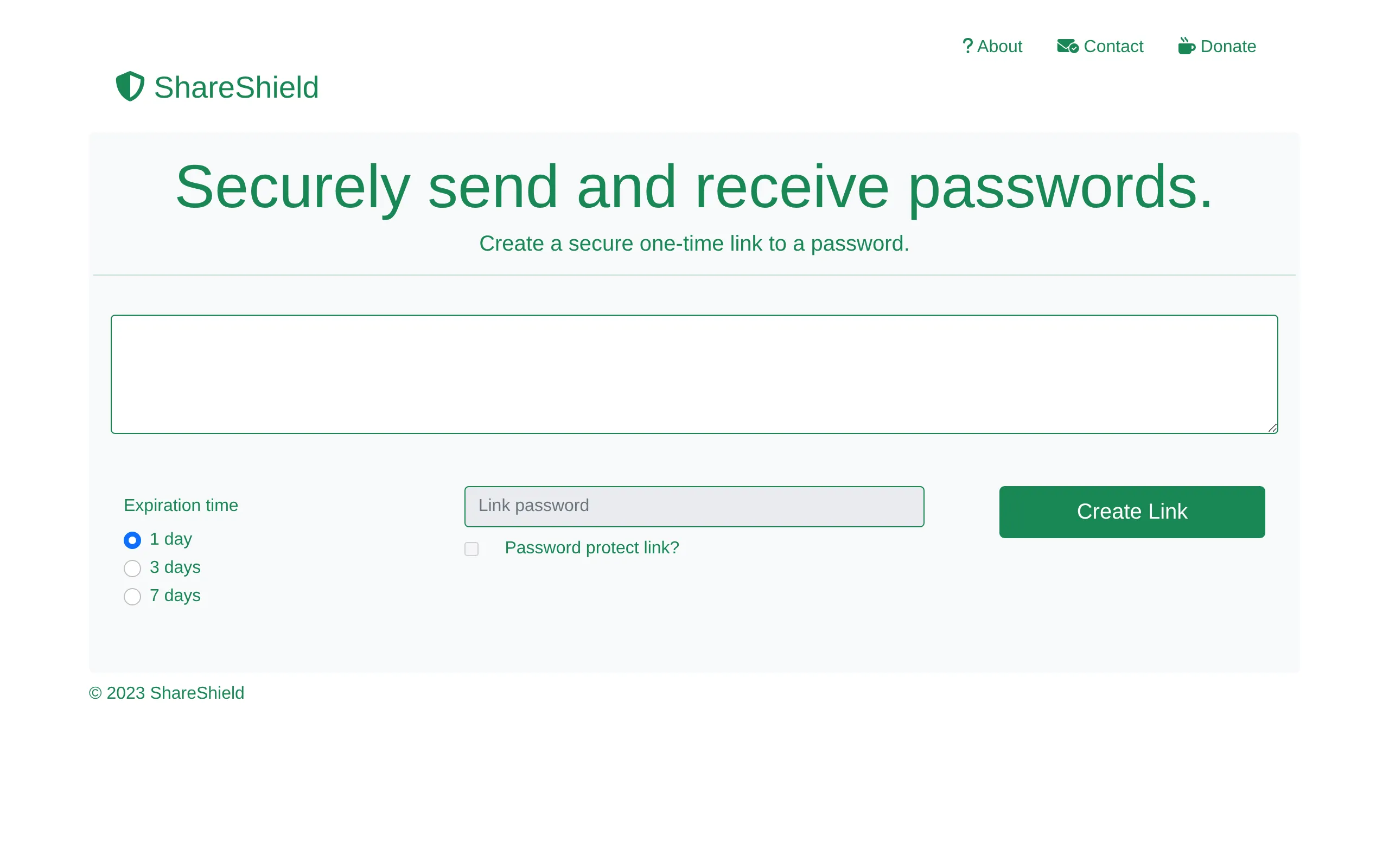
It did one thing. You pasted a password, picked how long the link should live, and sent the link. That was enough to prove the idea to me, and it’s still the core of what ShareShield does today.
Version 2: accounts
Version 1 worked, but it was simple, and everything I wanted to build next needed to know who you were: your own history of secrets, settings that stuck, eventually teams. The path of least resistance was to rewrite the front end in React, keep the same Workers back end, and add sign-in through Auth0.
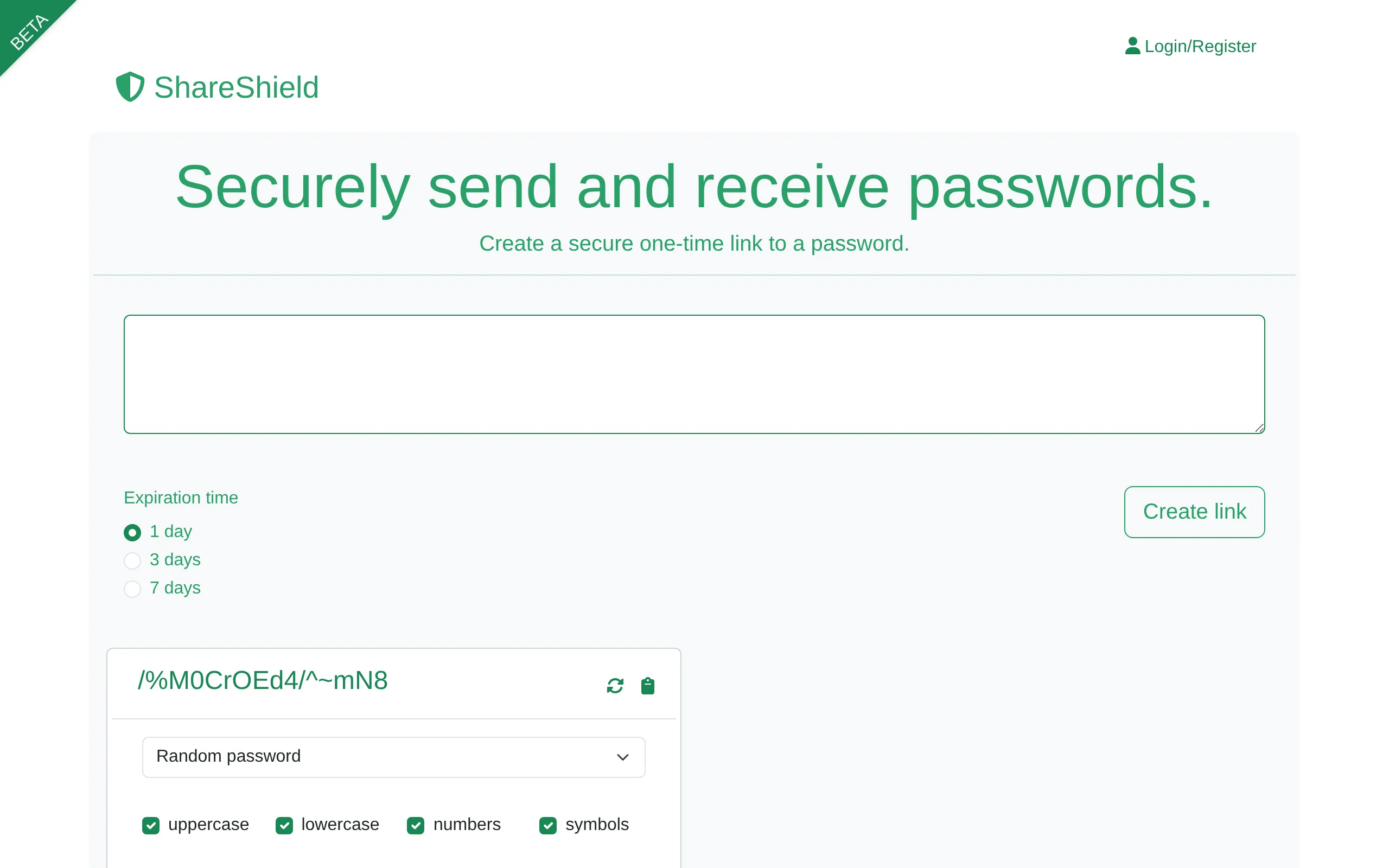
Auth0 opened the door to everything that came later. Version 2 stayed in beta (this was the release post) until version 3 replaced it. Looking back at it now, you can see the problem I’d set out to avoid starting to creep in: a dropdown here, a row of checkboxes there.
Version 3: designing it first
With a proper web framework behind me, I did something I hadn’t done for the first two versions: I opened Figma before I opened an editor.
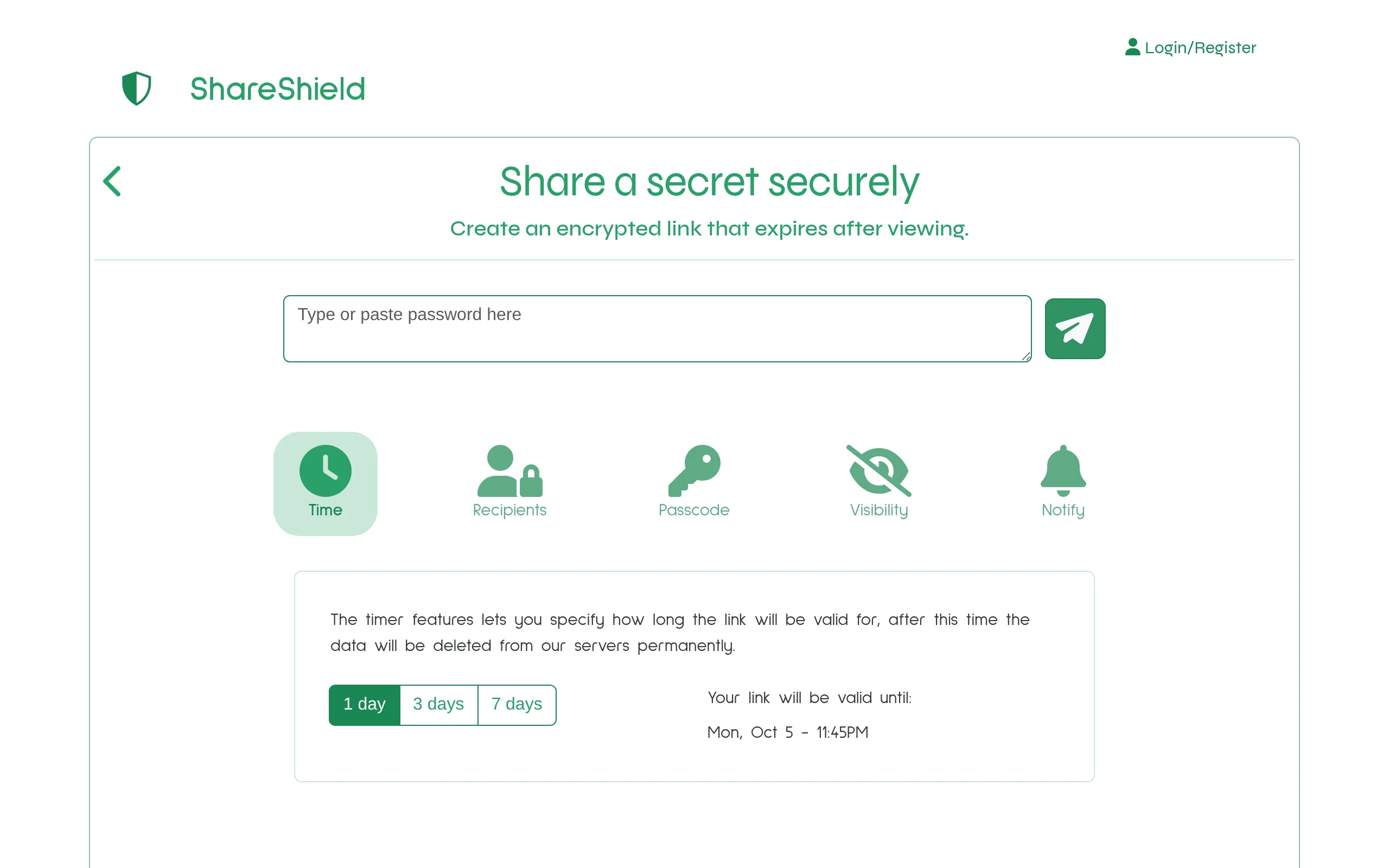
The idea I kept coming back to was a settings drawer. The secret is the point, so the text box should be the point. Every option, from expiry to recipients to a passcode, would sit behind a single row of icons and only appear when you asked for it. My first mock-up gave each icon its own pop-up modal.
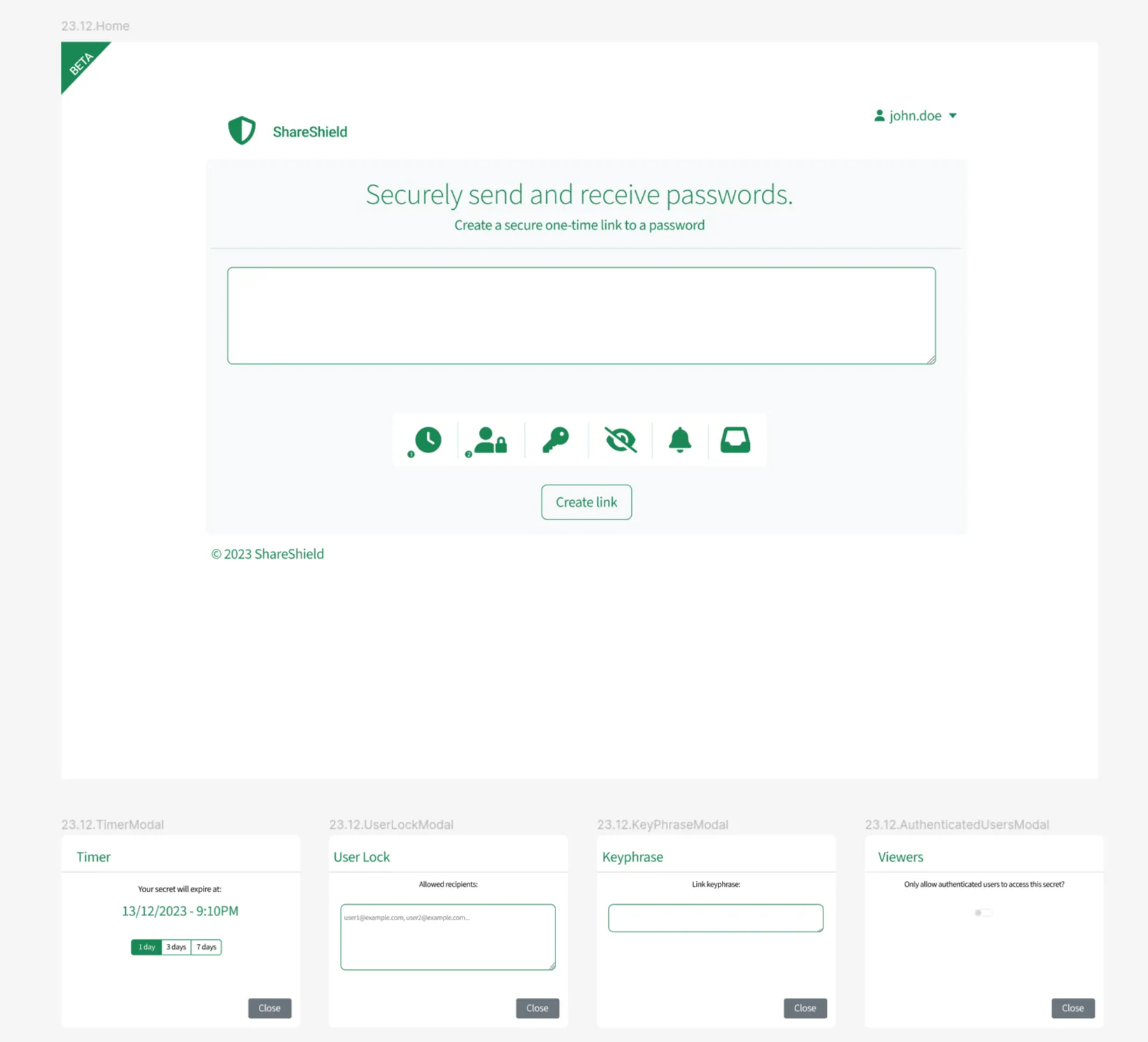
Modals were tidier than a wall of fields, but they still made you stop and dismiss something for every choice. Later designs moved the options into the form itself: tap an icon and its settings open underneath, in place, with a short line explaining what it does. Send and Request became the two front doors.
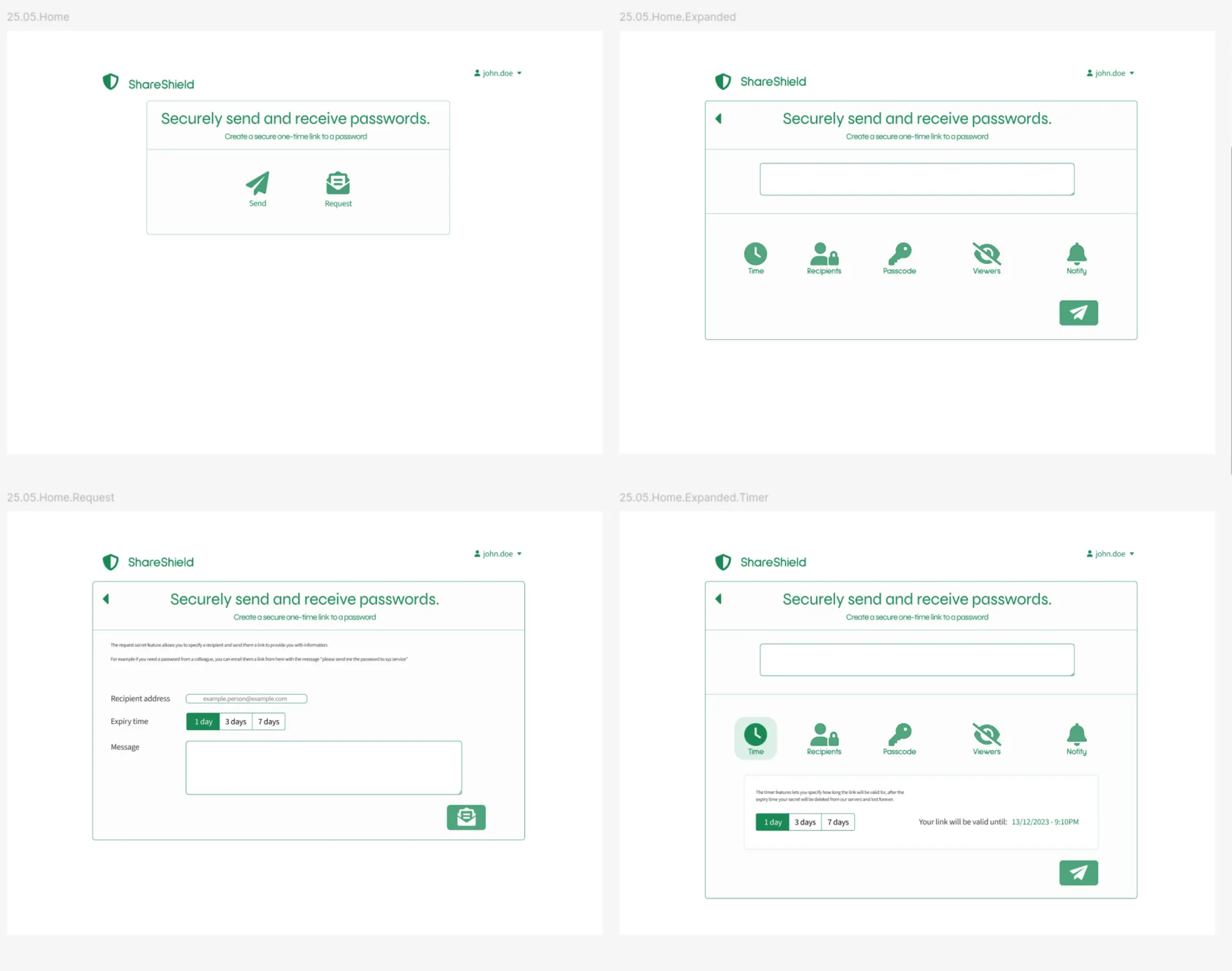
I rewrote it again in Next.js, so the front end and back end could live in one codebase. Sign-in changed during version 3’s life too: from Auth0 to Microsoft Entra External ID, and then to Better Auth, an open-source library that runs inside the app itself. That’s where it settled, and version 4 still uses it.
Version 4: the one I set out to build
Which brings us to today. I’ve been building ShareShield a piece at a time for three years, and I’m proud of version 4.
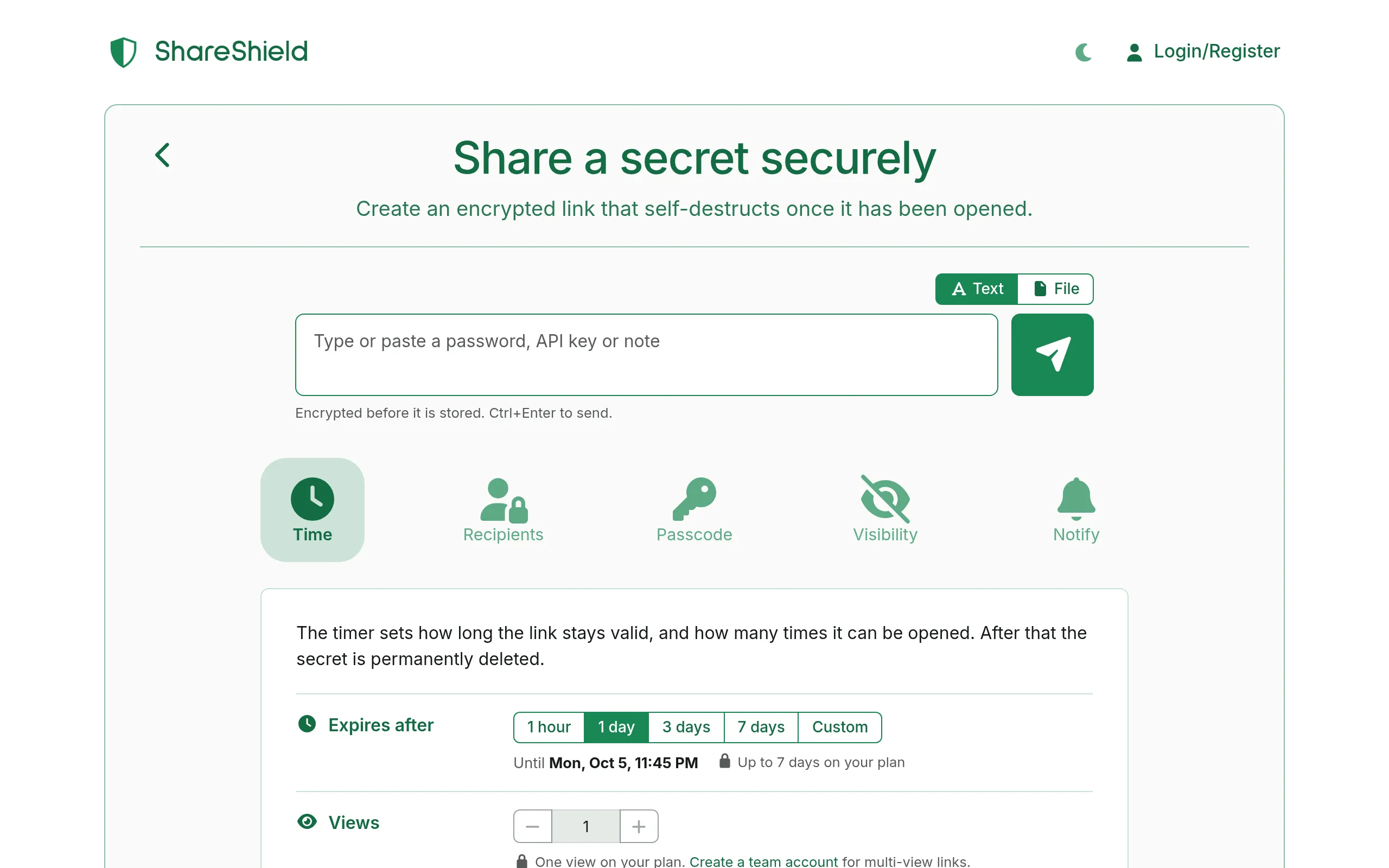
It does far more than I imagined that first night: organisations with roles, policies a team can enforce, an audit log, single sign-on, an API, files. But the send form still looks like the sketch. The options are still tucked away until you want them.
It has also grown up in the ways you can’t see. It has more thorough tests than it has ever had. I’ve found and fixed a lot of security bugs along the way, and I’ve written down plainly how the encryption works, including what it doesn’t protect against. For the first time I don’t have a backlog of feature requests from users waiting on me. It’s finally the product I pictured three years ago.
What three years taught me
Building this taught me more about how people work than about passwords.
Chat feels different from email. People treat a message in Teams or Slack as a conversation that will scroll away, and an email as something more official, and both assumptions are wrong in the same way: the message stays, and it’s readable by far more people than the one it was sent to.
I’ve had long conversations with users about the easy way versus the right way. Most people know the right way. They take the easy one because the right one costs them a minute they don’t have. ShareShield exists to remove that minute.
And I’ve made friends along the way, which I didn’t expect from a side project about deleting things.
Not the same race
I don’t see ShareShield as competing with the tools I started it to get away from. They do what they do well, and for a lot of people a quick, free, one-off link is all they’ll ever need.
My understanding of the problem has deepened, and my resolve to solve it with the best product I can build has grown with it. The problem isn’t really “send a password once”. It’s that credentials pass through the places people already work, all day, without anyone deciding they should. So the next step is to take ShareShield there. We’re close to having it inside Teams, Outlook and Excel, so the careful way is available at the moment someone is about to paste a password into a chat.
That’s the race I’m running. It started with one long night in 2023, and I’m glad it’s still going.
Send the next one as a link that expires.
ShareShield turns a password, key or file into a link that opens once and is then deleted. You can send a text secret without an account.